TV
All series
LCD TV
Discontinued
Support
42PFL5403/98
Go to shop
Log in or create an account
You instantly have access to manuals, tailored support and more. Plus it’s quick and easy
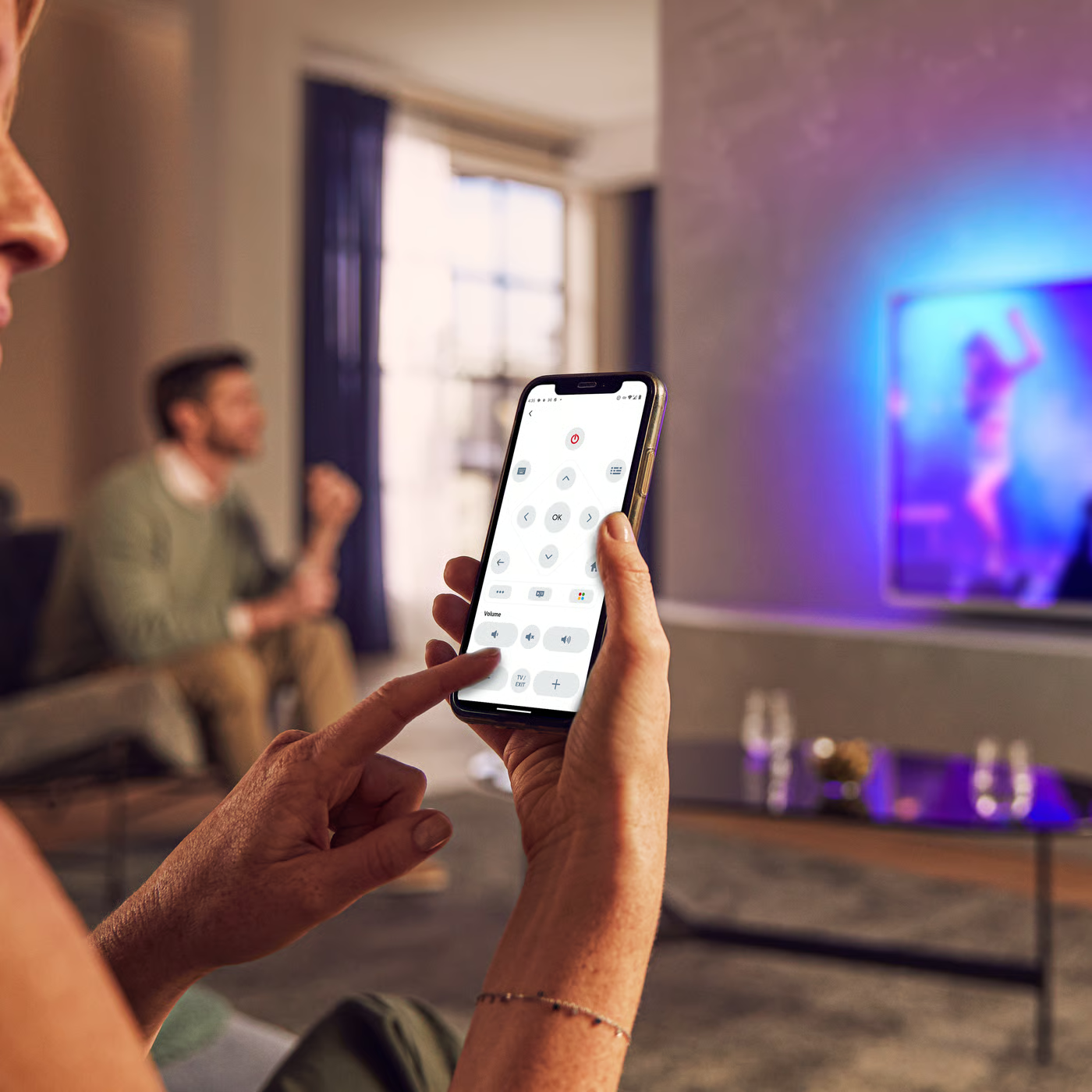
Control your TV with your smart device
The Philips Smart TV app turns your smartphone or tablet into a smart remote, letting you switch channels, adjust volume, browse apps, and fine-tune your Ambilight settings with ease.
Quick start guide - English
All (12)
Can I program my Philips TV remote control to control other accessory devices?
Why is the picture in Philips TV is displayed in red and green or the color red is missing when the TV is connected to an accessory device through component cables
Does teletext work with a set-top box in my Philips TV?
How to connect several external devices to Philips TV?
How to switch to AV inputs on my Philips TV to watch an accessory device (DVD player, Game System, VCR, etc)?
The picture is distorted (stretched out, short and fat, black bars on the side or top, etc.) in my Philips TV
The video and audio signals are out of sync when I connect my Philips TV to a Home Theater System
The MODE SELECTION does not appear in the features menu of Philips TV
The buttons on my Philips TV do not work and the message LOCKED appears on-screen whenever the buttons are pressed
What to do if I have neither picture nor sound after connecting my Philips TV?
Check the terms of your warranty and start a product exchange or repair
Warranty
Our product warranty policies
Contacting Philips
We're happy to help you