TV
All series
LCD TV
Discontinued
Support
42PFL5609D/30
Go to shop
Log in or create an account
You instantly have access to manuals, tailored support and more. Plus it’s quick and easy
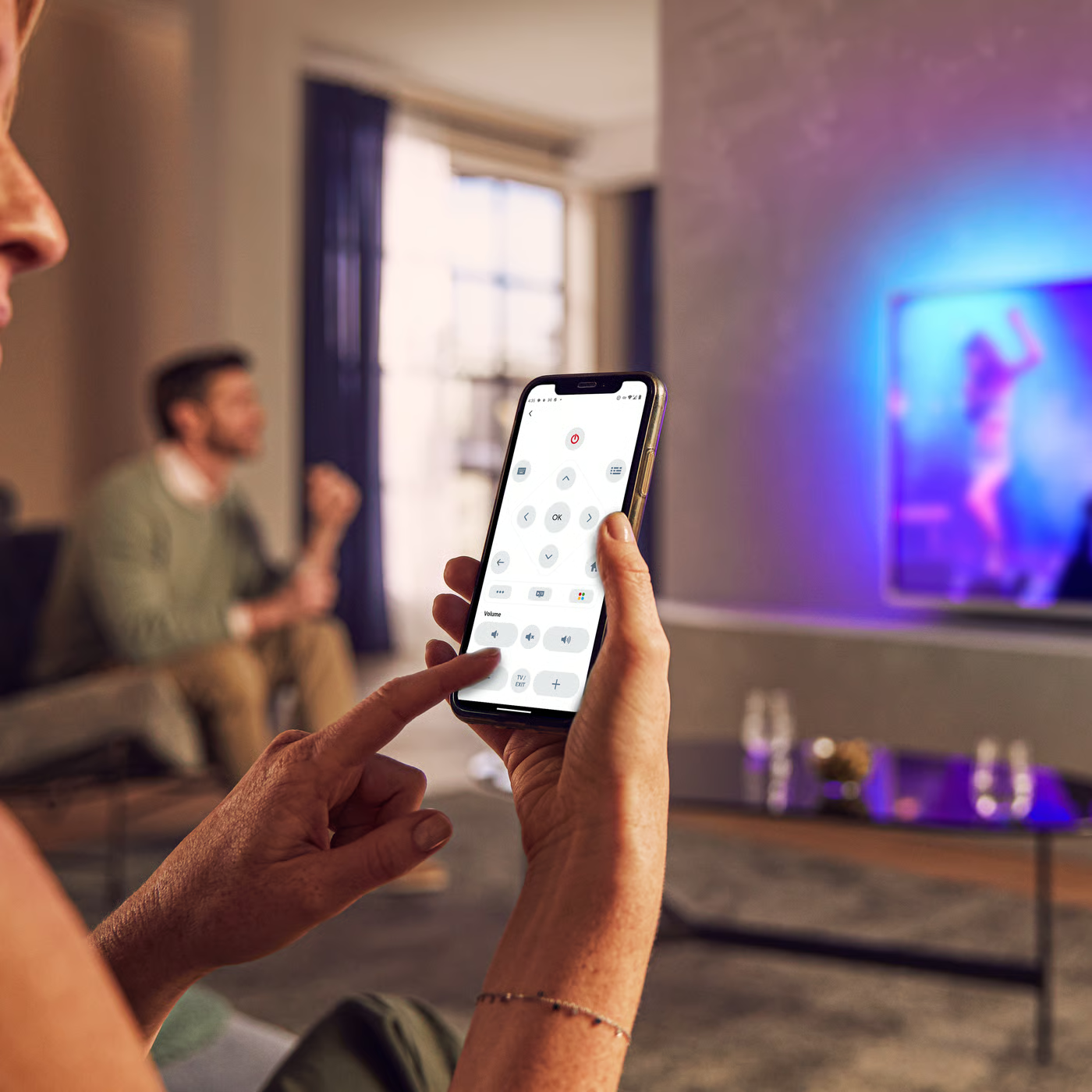
Control your TV with your smart device
The Philips Smart TV app turns your smartphone or tablet into a smart remote, letting you switch channels, adjust volume, browse apps, and fine-tune your Ambilight settings with ease.
Firmwarehistory - English
End Users License Agreement
Quick start guide - English
Localized commercial leaflet
All (16)
How to install satellite channels? - General
What issues in Philips TV are solved with a software upgrade?
Why is there no sound from my headphones of my Philips TV?
Why is my Philips TV not able to recognize a USB flash device?
I have HDMI connectivity on my Philips TV. Is it HDMI 1.3 compliant?
What to do if there is no picture or sound after connecting Philips TV?
How to change menu language of Philips TV if I do not understand it?
The video and audio signals are out of sync when I connect my Philips TV to a Home Theater System
I have forgotten my Philips TV 4-digit pin code. How to reset it?
There is no audio on some analogue channels in my Philips TV
Check the terms of your warranty and start a product exchange or repair
Warranty
Our product warranty policies
Contacting Philips
We're happy to help you