
TV
All series
6000 series 4K Ultra Slim Smart LED TV
Discontinued
Support
43PUF6201/T3
Go to shop
Log in or create an account
You instantly have access to manuals, tailored support and more. Plus it’s quick and easy
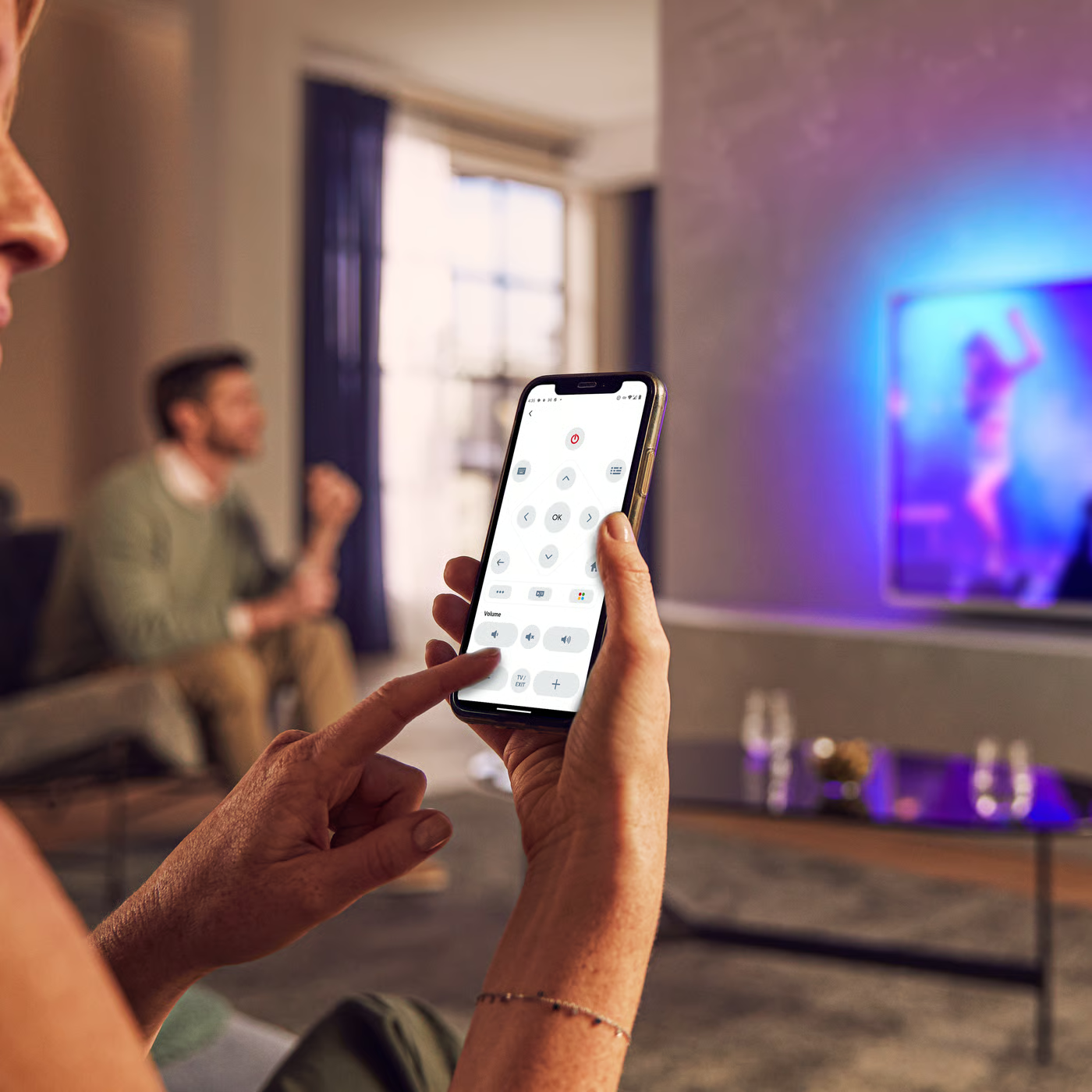
Control your TV with your smart device
The Philips Smart TV app turns your smartphone or tablet into a smart remote, letting you switch channels, adjust volume, browse apps, and fine-tune your Ambilight settings with ease.
Localized commercial leaflet
All (4)
My TV does not switch on with the remote control. What should I do?
How can I find out if I can see 3D of PHILIPS TV?
How do I clean PHILIPS TV screen?
How can I verify if the Conditional Access Module (CAM) is inserted correctly and recognized by my TV?
When I started the initial TV installation, the TV prompted me to press the 'OK' key but there is no response from the TV.
Check the terms of your warranty and start a product exchange or repair
Warranty
Our product warranty policies
Contacting Philips
We're happy to help you