TV
All series
8000 series Smart LED TV
Discontinued
Support
40PFL8007K/12
Go to shop
Log in or create an account
You instantly have access to manuals, tailored support and more. Plus it’s quick and easy
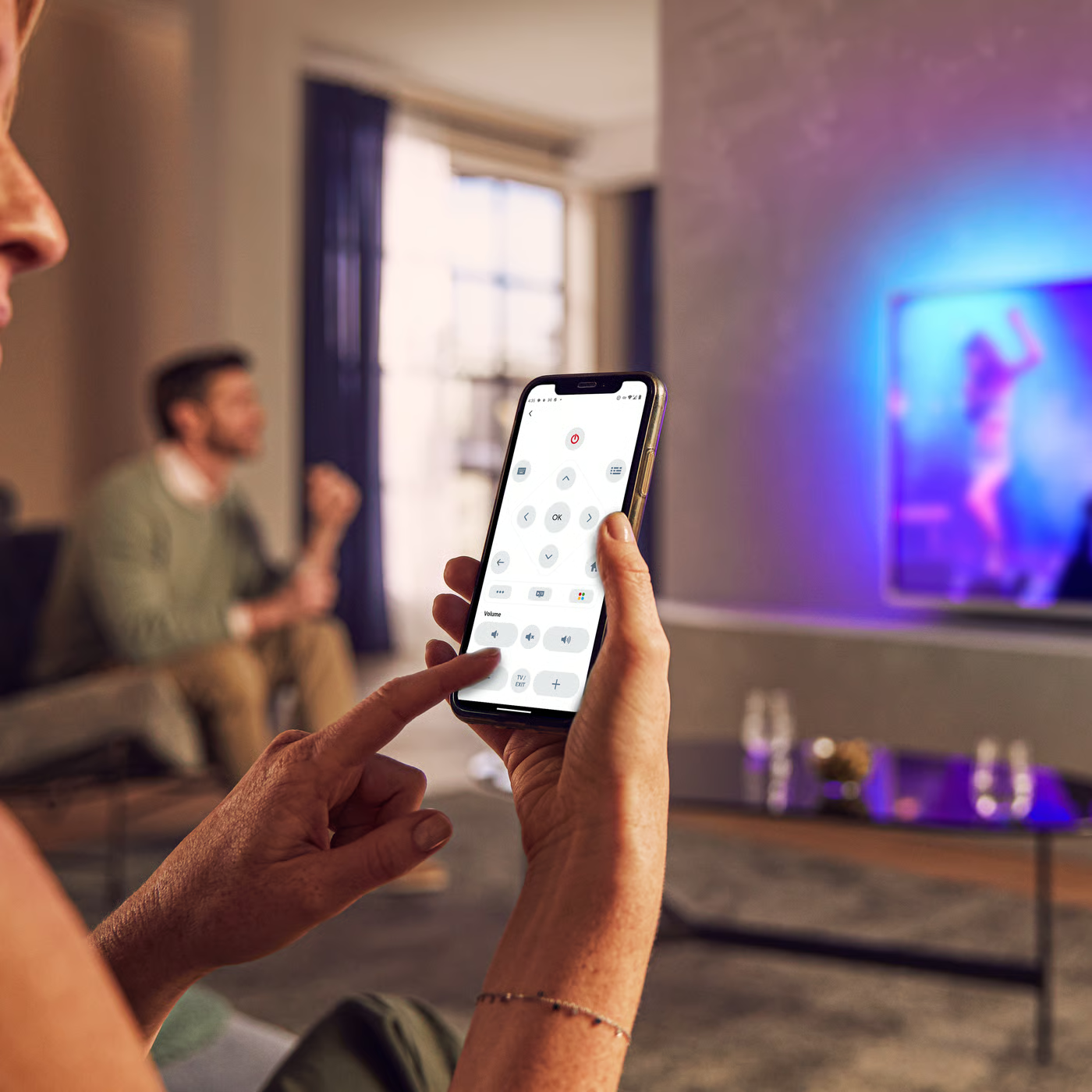
Control your TV with your smart device
The Philips Smart TV app turns your smartphone or tablet into a smart remote, letting you switch channels, adjust volume, browse apps, and fine-tune your Ambilight settings with ease.
Firmwarehistory
Mediaserver(mac)
Quick start guide
Product Information Sheet
All (18)
Where can I get the Media Manager Software and its license keys for Philips TV?
Which Philips TVs work with the Media Manager?
What does the 'Registering...' message mean in my Philips TV when Net TV is starting up?
Do I have connect the antenna to the Philips TV if I use HDMI connected accessory devices?
Does Philips TV work with Wi-Fi MediaConnect?
I forgot my PIN code of Philips TV for parental control. How do I solve this problem?
Sometimes my Philips TV notifies me that my Club Philips registration is not complete. But I am sure I completed the Club Philips registration
What kind of antenna should I use for my Philips TV?
My Philips TV does not switch on with the remote control
Check the terms of your warranty and start a product exchange or repair
Warranty
Our product warranty policies
Contacting Philips
We're happy to help you